Notion for Beginners
Notion is genuinely one of the most flexible productivity tools available. It's also the one with the most potential to absorb two hours of your Sunday while you "set up your workspace." Here's how to avoid that.
What it is
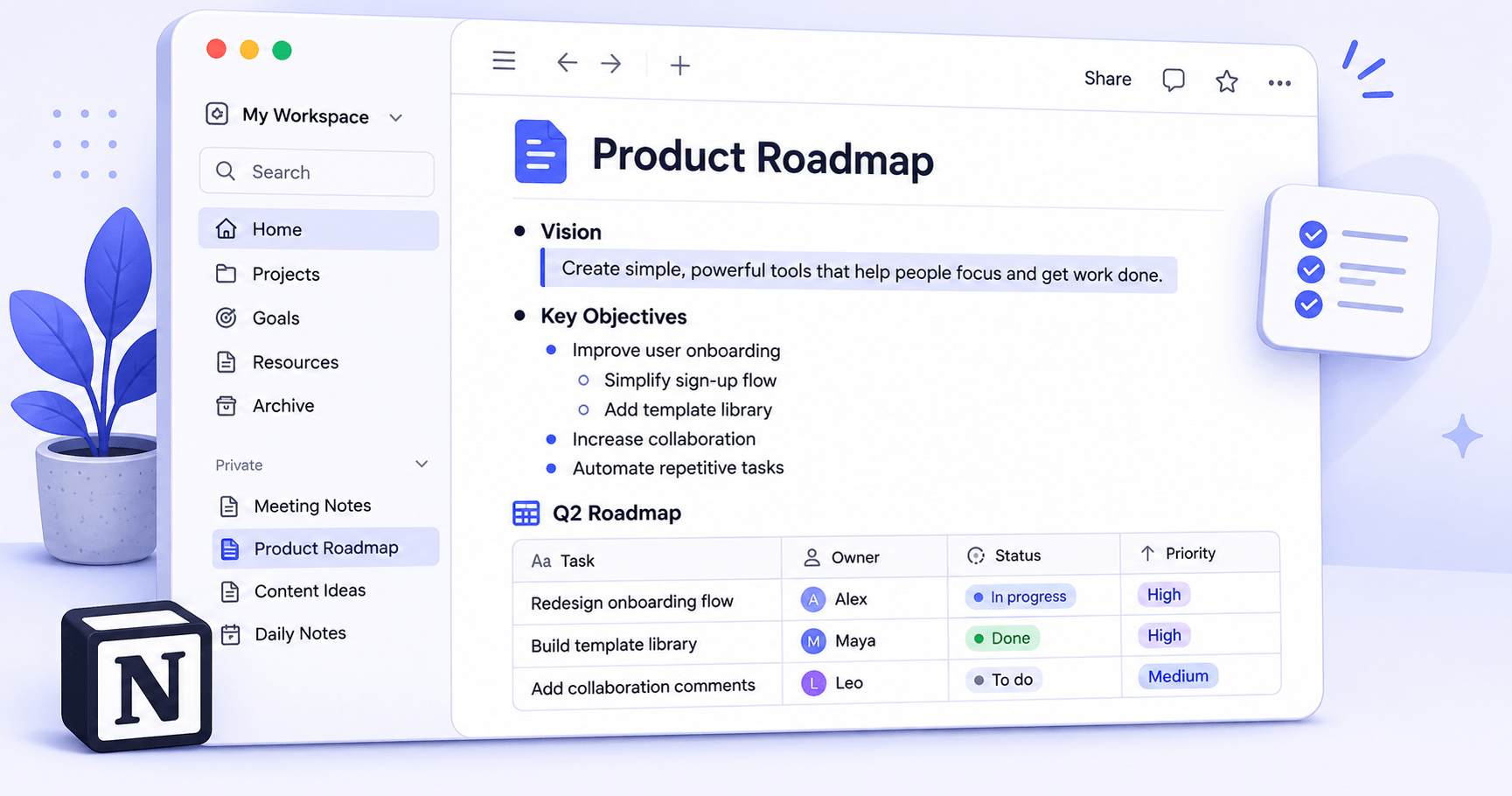
Notion is an all-in-one workspace that lets you build your own system for notes, tasks, wikis, and databases. You can use it to write a simple to-do list or to build a full project management system with linked databases, filtered views, and custom properties. Most people end up somewhere in the middle.
It's available on web, Mac, Windows, iOS, and Android. The free plan gives you unlimited pages and blocks for personal use. You only need to pay if you want to share with a team of more than one other person, which is a genuinely reasonable free tier for an individual user.
Who it's actually for
Notion works best for people who have a few different things they want to track or write down and want them all in one place. If you've got notes scattered across Apple Notes, a to-do list in a separate app, and project docs in Google Drive, Notion is the tool that can replace all three.
It's less ideal for people who just need a simple to-do list. For that, there are much simpler options that don't require you to think about page structure. The people who get the most out of Notion are those who want some control over how their information is organised and are willing to spend an hour or two getting it set up.
What it does well
The flexibility is real and it's genuinely useful, not just impressive in demos. Being able to turn any page into a database, add custom properties to items, and view the same information as a list, a board, a calendar, or a table is something we actually use regularly. The linked database feature — where one database can be filtered and displayed differently in multiple places — is the kind of thing that sounds technical but ends up being very practical.
Notion's templates have also improved significantly. Rather than starting from scratch, you can pick a template that covers your use case (meeting notes, weekly review, project tracker) and customise from there. That's the fastest way to get value from it without going down a setup rabbit hole.
The web clipper works reliably, and the mobile app has caught up to the desktop experience considerably over the past year. Writing in Notion is pleasant — it uses a block-based editor that stays out of the way.
What it doesn't do well
The learning curve is the main honest concern. Notion asks you to make decisions about structure before you can really use it, and the wrong early decisions — like putting everything in one flat page instead of building a proper database — can make things harder later. There's a reason "Notion setup" is its own genre of YouTube content.
Performance can also be slow, particularly on mobile and with large databases. Pages with lots of embeds or complex filtered views can take a moment to load. This is a known issue that Notion has been slowly improving, but it's still noticeable.
The free plan, while generous for personal use, gates collaboration. If you want to use it with even one other person — a partner, a flatmate, a colleague — you'll need the Plus plan at around £8/month. That's not outrageous, but it's worth knowing upfront.
Verdict
Start simple and expand as you go.
Notion is one of the few tools that genuinely delivers on its promise of being flexible enough to work for almost any organisation style. The catch is that you have to invest some time getting started. Our honest advice: pick one specific thing you want to track first — meeting notes, a reading list, a project — and build just that. Don't try to recreate your entire life in Notion on day one.
Best for: People replacing multiple scattered apps who are willing to spend a few hours on setup.