Canva: An Honest Review
Canva has become the default design tool for people who aren't designers, and mostly for good reason. The free tier is genuinely generous. Here's what the honest version looks like.
What Canva actually is
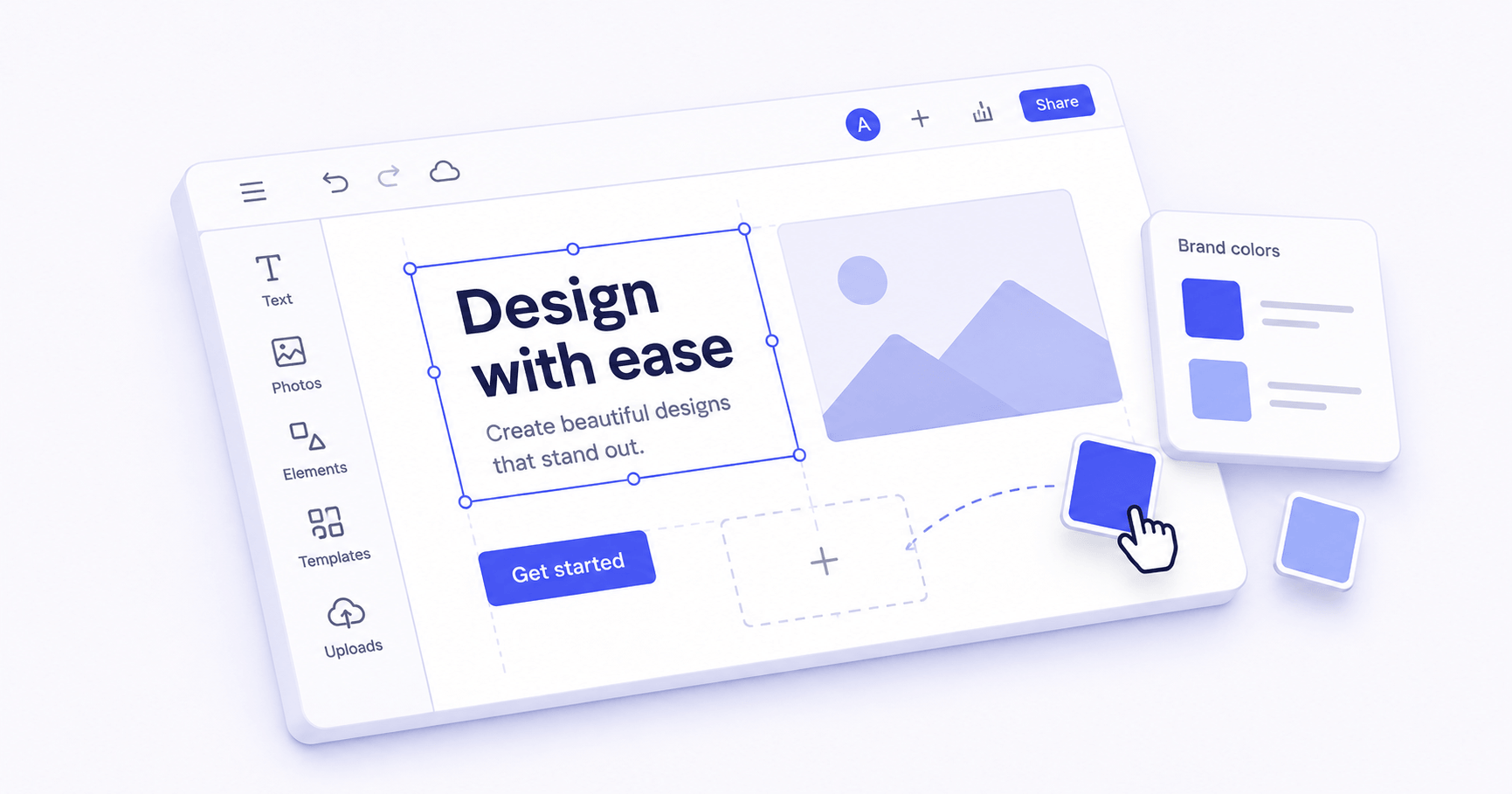
Canva is a browser-based design tool aimed at people who need to make things look good without design training. You start with a template — a social post, a presentation, a flyer, a CV — and customise it using a drag-and-drop editor. No software to install. No Illustrator subscription. No design degree required.
We've been using Canva for over a year across a wide range of tasks: presentations, social graphics, simple documents, and event invitations. It's the tool we recommend most often to people who ask what they should use to "make something that looks decent."
Who it's actually for
Canva is built for people who need professional-looking output without professional design skills. If you've ever opened PowerPoint to make a presentation and felt immediately defeated by blank slides, Canva is the alternative. If you need to produce consistent social media graphics without hiring a designer, Canva is the right tool. If you're a graphic designer who knows Illustrator or Figma, Canva will feel limiting.
It works particularly well for small businesses, educators, freelancers producing client-facing materials, and anyone who needs to produce visual content regularly but can't justify specialist design software.
What it does well
The template library is enormous and, more importantly, the templates are actually good. Most tools in this category have templates that look like they were made in 2014. Canva's current library has templates that look current — the kind of thing a mid-level designer would produce. Starting from a good template and changing the text and colours takes about ten minutes.
Brand Kit (available on the free plan with some limitations) lets you store your colours, fonts, and logo so every design starts from the same baseline. This is the feature that makes Canva genuinely useful for ongoing work rather than one-off projects.
The collaboration features work well for small teams. Multiple people can edit the same design, leave comments, and share links. It's not as polished as Figma for serious design collaboration, but for "multiple people need to edit this presentation," it's perfectly usable.
Canva's AI tools — text-to-image, background remover, Magic Resize — have improved significantly. The background remover in particular is genuinely excellent: one click, clean results, no subscription required on the free plan.
What it doesn't do well
The free tier has become more restricted over time. Features that were previously free — certain templates, some AI tools, premium elements — are now Canva Pro. The free tier is still usable, but you'll hit paywalls more often than you used to. Canva Pro costs around £10/month, which is reasonable, but it's a step up from free that requires a decision.
Export options on the free plan are limited. You can export to PNG and PDF but not SVG, which matters if you need a design in vector format for printing or further editing. For most uses this isn't an issue, but it's a real limitation for certain workflows.
Canva's designs are visually constrained in ways that professionals will notice. The tool works within its own grid and template system. You can customise a lot, but truly custom layouts require fighting the interface. If you need pixel-perfect control, you've outgrown Canva.
Verdict
Canva is one of the tools we genuinely recommend without heavy qualification. It does what it promises — makes design accessible to non-designers — and it does it well. The template quality is high, the core features are intuitive, and the free tier is enough for casual use.
The creeping paywalls are annoying, and Canva is quietly raising the bar for what requires a Pro subscription. But even with that caveat, it's the right starting point for almost anyone who needs to produce visual content without design expertise.
Best for: Small business owners, educators, freelancers, and anyone who produces regular visual content and wants it to look professional without hiring a designer. Score: 8/10. Verdict: worth it.